Santoshi · kirtan · 17.10.2026

The Santoshi
Concert Mix

One evening of kirtan, eight songs, ten recorded channels. How the multitrack was prepared, played back into a small digital mixer as if the band were on stage again, and mixed by hand on its faders.

Prepared 23 and 24 October 2026. The levelling on the faders is Marko's, and it is his ears that finish the mix.

A kirtan band in a warm hall: singers at the front, guitars, a mridangam and a djembe, a tapestry behind them
01 · The concert

Eight songs, about two hours, every voice on its own track

On 17 October 2026 the Santoshi band played a kirtan evening for Navratri. The venue's Behringer XR18 mixed the sound for the room and, at the same time, sent each input to Ableton Live on a Windows PC, which recorded them as separate files: 24-bit, 48 kHz, about 11 GB.

The evening was recorded in two halves. In the middle of the concert Igor's guitar broke. Its pickup (Igor DI) goes silent, and the new guitar was caught on a microphone (Igor MIC) for the second half. That is why there are ten mono channels. The venue's own stereo mix was recorded too, as an eleventh track, and is kept as a backup and a reference.

Three inputs of the XR18 were not recorded: krist VOC, snoopy MIC and petra.

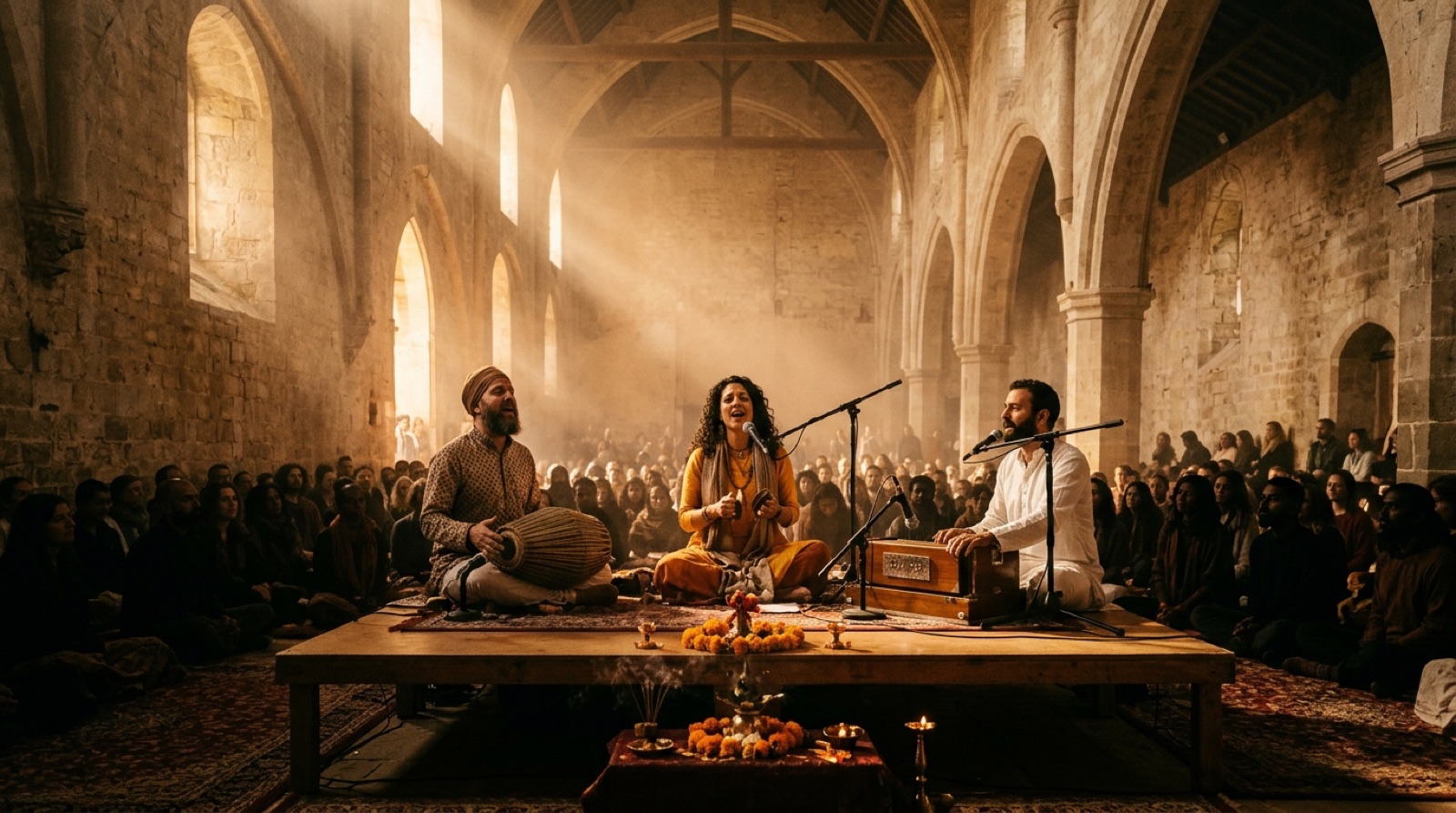
Singers in a hall, lit by warm light

The eight songs

Each one has a locator in Live, so one click jumps to its start.

#Starts atSong
17:54Jai Ganesha Pahi Mam
216:52Ambe Jagadambe
326:45Kali Kali Maha Maya (Sarva Mangala, He Mata Kali, Jaya Jagadambe)
449:04Sarasvati Maha Lakšmi (a soft voice intro until 50:54)
562:40Kailasha Vasa Maha deva
672:00Uma Parvati Ananda Ma
788:16Rama Rama Jaya Raja Ram
8104:09Asatoma Sadgamaya (after the words "for the end we always play one beautiful mantra")
02 · Preparing the multitrack

Before any fader moves, the recording is made ready

The Live set came from Windows, with every file offline and every track called "1-Audio", "2-Audio" and so on. Four things were done to it on the Mac.

01 · RELINK

The files found again

Every file reference in the set pointed at D:/Documents/…. The paths were rewritten inside the saved set, and the recordings were hard-linked into the project's Samples folder, so nothing was copied and no extra 11 GB were used.

02 · NAMES

Named after the XR18's labels

A photo of the venue's X AIR Edit screen gave the label of every input. Each track was named after the input it actually recorded, not after its position: the first attempt was one channel off, so the recorded input number now comes first, then the label for that number.

03 · BY EAR AND BY MEASURE

The percussion identified

Three labels said little ("mic_3", "mic_4", "harm"). A sound analysis (how percussive, how much energy under 250 Hz, what pitch) showed a hand drum and a high and a low percussion. Marko then named them: the mridangam's two heads and the djembe.

04 · MARKERS

The songs found by their silences

The venue mix was measured for its quiet gaps (−45 dB and under, smoothed over 20 seconds), each start walked back so a soft intro stays with its song. Then speech recognition (Whisper) listened to the first words after each gap to confirm which song begins there. The eight locators were written into the set at those times.

Every channel to the same level

Almost every recording already touched 0 dBFS, and the two mridangam microphones clipped at the concert itself; that distortion is in the files. Peak normalizing does nothing to files that already reach the top, and making them all equally loud would push the short, spiky drums over the ceiling again.

So each clip was cut into 100 ms windows and the level that 99 % of their peaks stay under was found: its typical peak. Each clip's gain sets that typical peak to −12 dBFS (the gains came out between −4.6 and −12.0 dB), and every Live track fader stays at 0 dB. Every channel now reaches the mixer at the same working level, with 12 dB of headroom above it.

0 dBFS · the ceiling 12 dB of headroom −12 dBFS · every typical peak ten channels, ten clip gains, faders at 0 dB the rare loud hits still have room

"This normalization of the sound should be before every mix. When I bring in a mix, you need to put all the channels to −12 dB."Marko, 24.10.2026. Now the first step with any new multitrack.

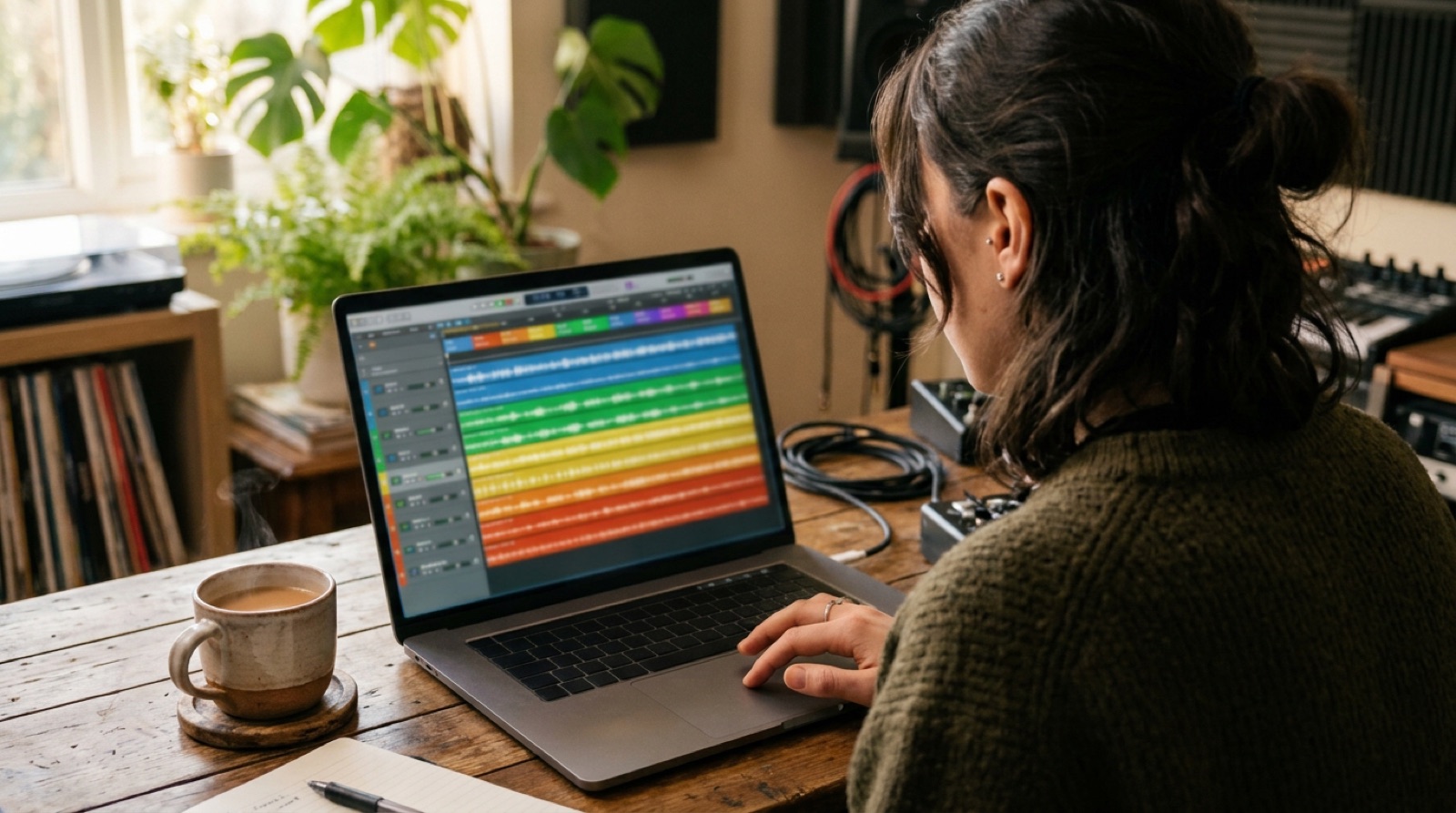
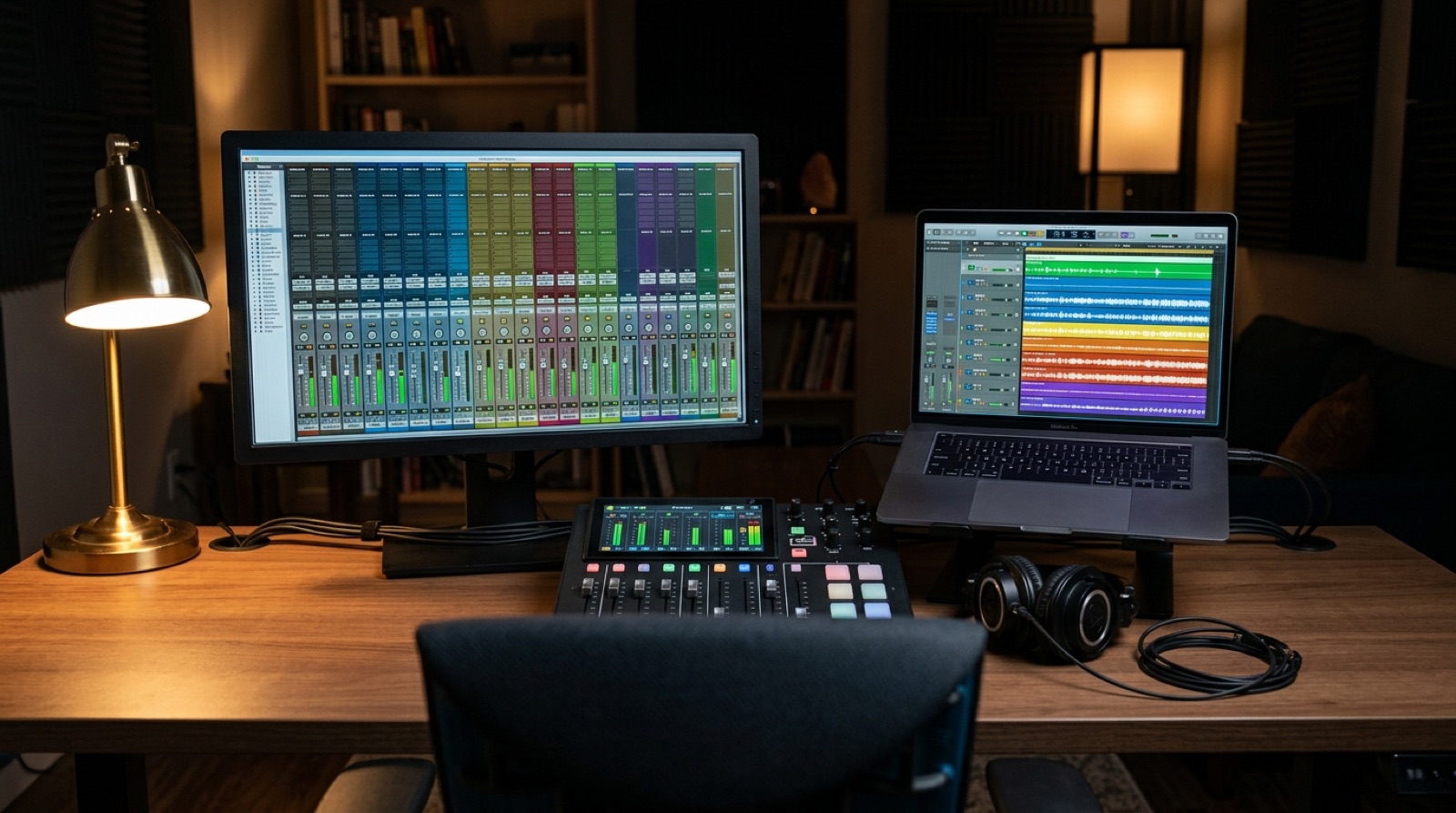
A laptop showing a multitrack arrangement
Level meters glowing on a mixer
03 · The virtual soundcheck

The band plays again, from a laptop into a mixer

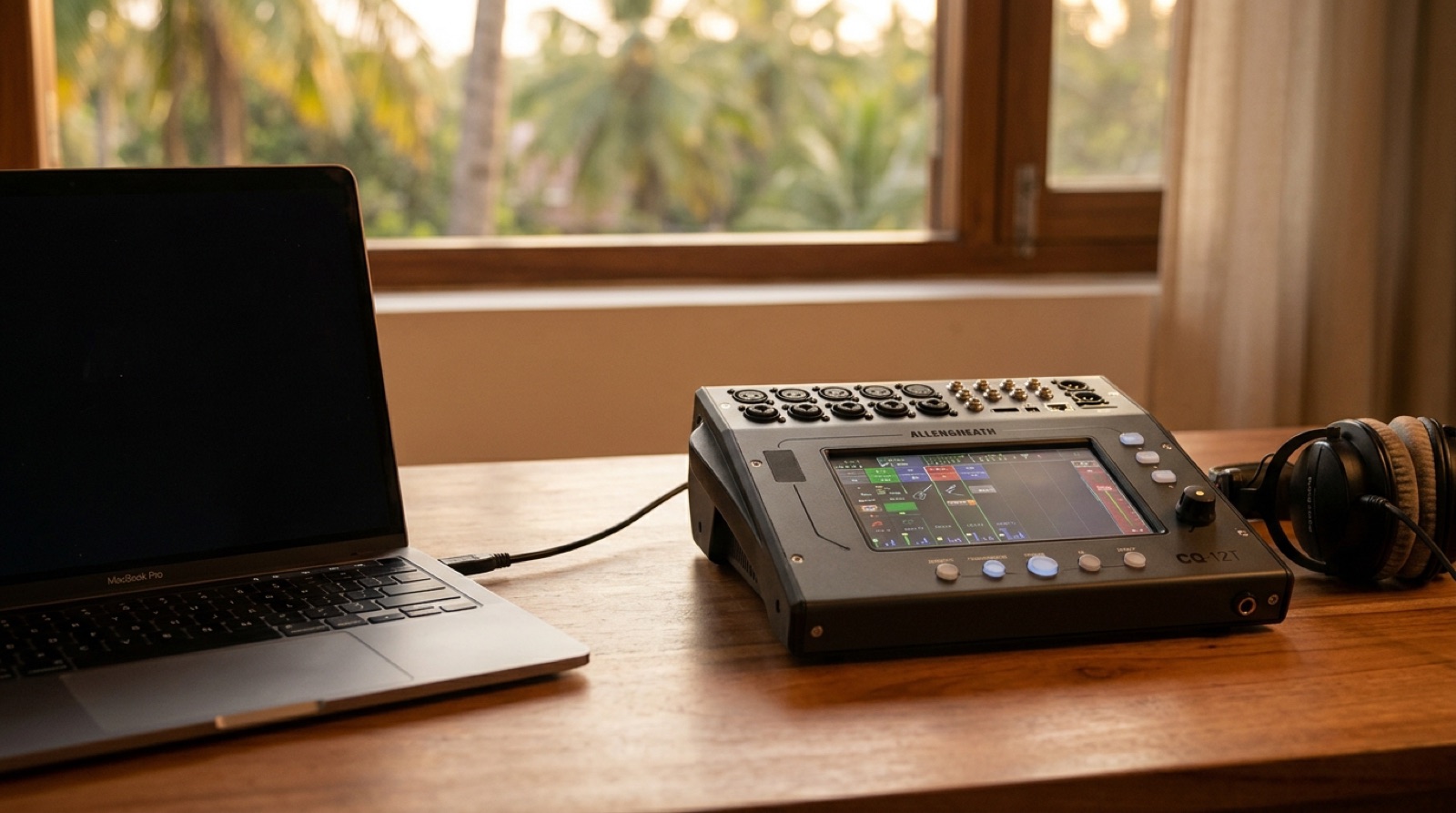
One USB cable joins the Mac and Marko's Allen & Heath CQ-12T, and it carries sixteen channels each way. Live sends every recorded track to its own output, and each CQ input listens to the USB channel of its number instead of its socket. On the desk, the ten musicians arrive on ten faders, exactly as if they were on stage.

Ableton Live 10 mono tracks clip gains to −12 dBFS faders 0 dB Ext. Out 1 – 10 track N → output N Venue L · Venue R pan −100 % · +100 % Ext. Out 13 / 14 USB 16 ⇄ 16 CQ-12T · Ip1 – Ip10 source SD/USB Quick preset + compressor voices → FX1 reverb Marko's faders CQ USB channel stereo · fader at Off never in the mix Main LR glue compressor Speakers SD cardthe recording Headphones the pressed Listen key
the ten channels and your mix the venue mix, for comparing only the main mix in the headphones when no Listen key is pressed

The ten channels

Live track, the XR18 input it was recorded from, its name on the CQ (six characters at most) and the Quick preset chosen for it.

Live · Ext. OutTrackXR18 inputWhat it isCQQuick preset
1svemir VOC1male voiceSvmVOCVocal · Lo Pitch · Comp
2bas2bassbasBass · Clean · Comp
3Mridangam3 (mic_3)mridangam, the high headMrdngmDrums/Perc · Acoustic Perc. · Full · Comp
4Mridangam Low4 (mic_4)mridangam, the low headMrdLowDrums/Perc · Tom · 16" · Comp
5Djembe5 (harm)djembeDjembeDrums/Perc · Acoustic Perc. · Warm · Comp
6Igor VOC7male voiceIgVOCVocal · Lo Pitch · Comp
7Igor DI8Igor's guitar pickup, first halfIgDIGuitar · Acoustic · Comp
8tajana10female lead voicetajanaVocal · Hi Pitch · Comp
9snoopy DI11Snoopy's guitar pickupSnpDIGuitar · Acoustic · Comp
10Igor MIC9the new guitar on a microphone, second halfIgMICGuitar · Acoustic · Comp
13 / 14Venue L / R17 / 18the venue's stereo mix, reference onlyUSBfader Off, Listen only
04 · The desk

Names, presets, one reverb, one gentle glue

The CQ was set from CQ MixPad on the Mac. The tone of each channel is a starting point chosen by its sound; the balance between them is left to the faders.

INPUTS 1–10

A preset for each instrument

Every input on source SD/USB, named after its Live track, with the CQ's Quick preset that fits it: low-pitch vocal for Svemir and Igor, high-pitch vocal for Tajana, clean bass, acoustic guitar for the two pickups and the guitar microphone, and percussion presets for the mridangam and the djembe. Each preset carries its own compressor.

FX1

Reverb on a send

The easyVERB, type Vocal Classic, shared. Only the three voices send to it, SvmVOC, IgVOC and tajana, each at −13.3 dB. The drums and the bass send nothing: reverb on them would blur the rhythm. All voices share one room, and the reverb has one fader of its own.

MAIN LR

The glue compressor

The CQ has one plain compressor type, no special "glue" model, so it is set gently enough to act as one: it only works in the loud parts, and the whole band breathes together.

DetectRMS
KneeSoft
Ratio1.9:1
Threshold−14.4 dB
Attack24.5 ms
Release184 ms
threshold −14.4 dB 1.9 : 1 1 : 1 −400 input, dB 0−40 out

Drawn from the values on the CQ. Above the threshold, 1.9 dB in gives 1 dB out; a full-scale peak comes out about 7 dB lower.

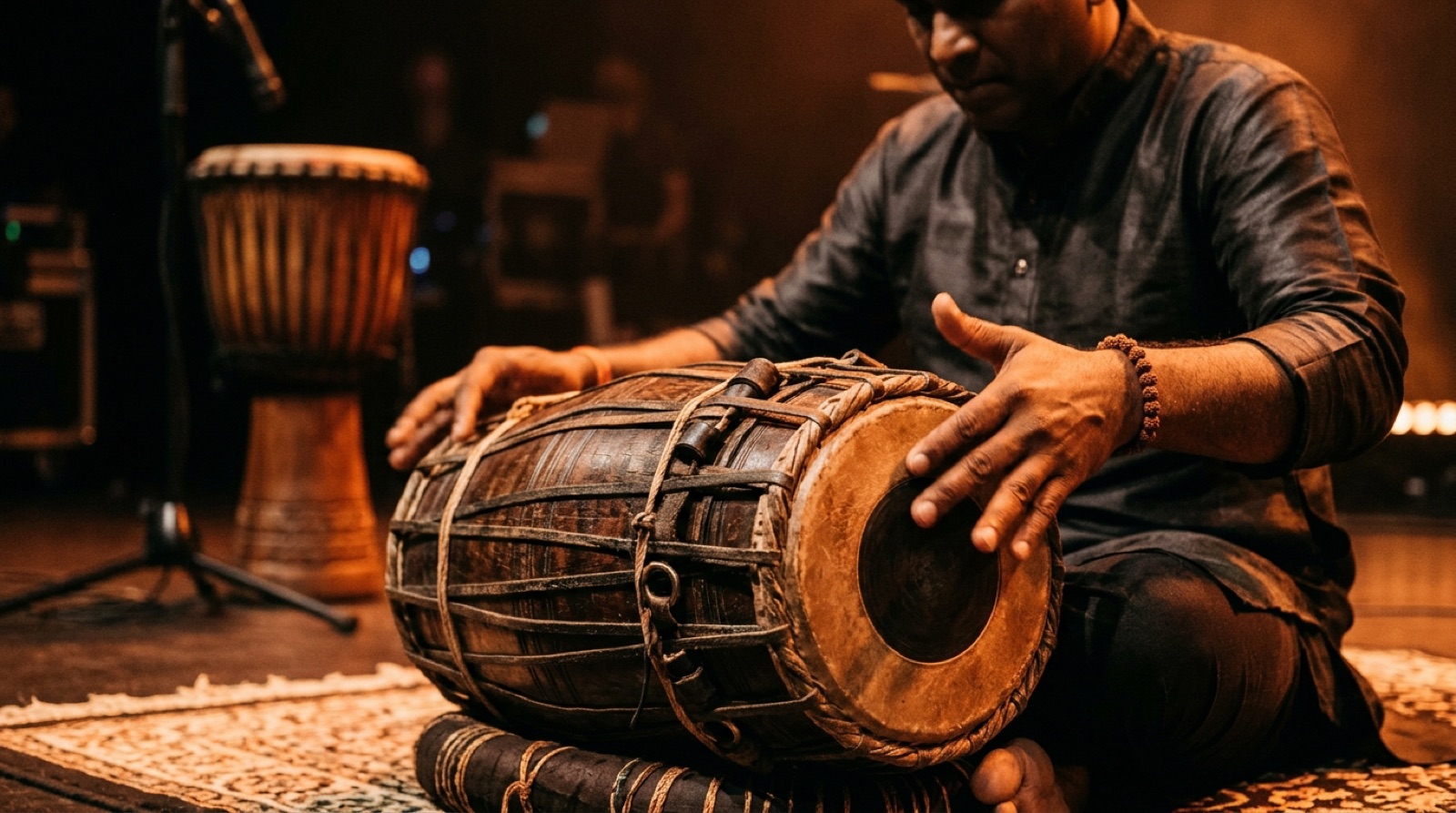
A mridangam played by hand

The attack of 24.5 ms is slow enough to let the first hit of the mridangam through, so the drums stay alive; the release of 184 ms lets go in time with the music.

05 · Sixteen channels each way

What the USB cable carries, measured on the meters

The user guide does not say plainly where the computer's channels 11 to 16 arrive. So they were tried one by one from Live, watching the meters in CQ MixPad.

CQ → MAC
1 – 10the ten inputs, one channel each, fixed 11 / 12ST IN 13 / 14Out5 / Out6 15 / 16Main LR

11 to 16 are chosen on the CQ (CONFIG › USB/SD › Channel Assignment). This is what the computer can record.

MAC → CQ
Ext. Out 1 – 10inputs 1–10, when their source is SD/USB 11 / 12→ the ST IN channel 13 / 14→ the USB channel · the venue mix 15 / 16no meter moved

Measured 24.10.2026. A stereo sound from the computer has two homes on this desk: ST IN, or USB.

One honest note: "17/18", which first looked like a mystery on the CQ, is not the CQ at all. It is the XR18 input pair the venue mix was recorded from, still shown as the Venue Mix track's input in Live.

06 · Recording and comparing

Two roads that never touch

Marko mixes in real time and records the CQ's Main LR to its SD card (HOME › RECORD). At the same time he can hear the mix the venue made that night, and go back and forth during a whole song.

  1. The venue mix, in stereoThe venue's stereo file plays on two tracks in Live: Venue L panned fully left to Ext. Out 13, Venue R panned fully right to Ext. Out 14. They play the same clip, so they are always in sync.
  2. On the USB channel, fader at OffIt arrives on the CQ's USB channel (bank ST IN/FX). With its fader at Off it never enters Main LR, so it never reaches the speakers or the SD card.
  3. The Listen keyPressed, the headphones play the venue mix alone. Released, they play Marko's main mix. The recording always takes Main LR; the Listen key changes only what the headphones hear.
  4. SoloThe CQ has no solo-in-place: Listen is for the headphones only (its whole user guide was read to be sure). Because every channel has its own USB return, Live's S button is the solo in the CQ's mix, while not recording.
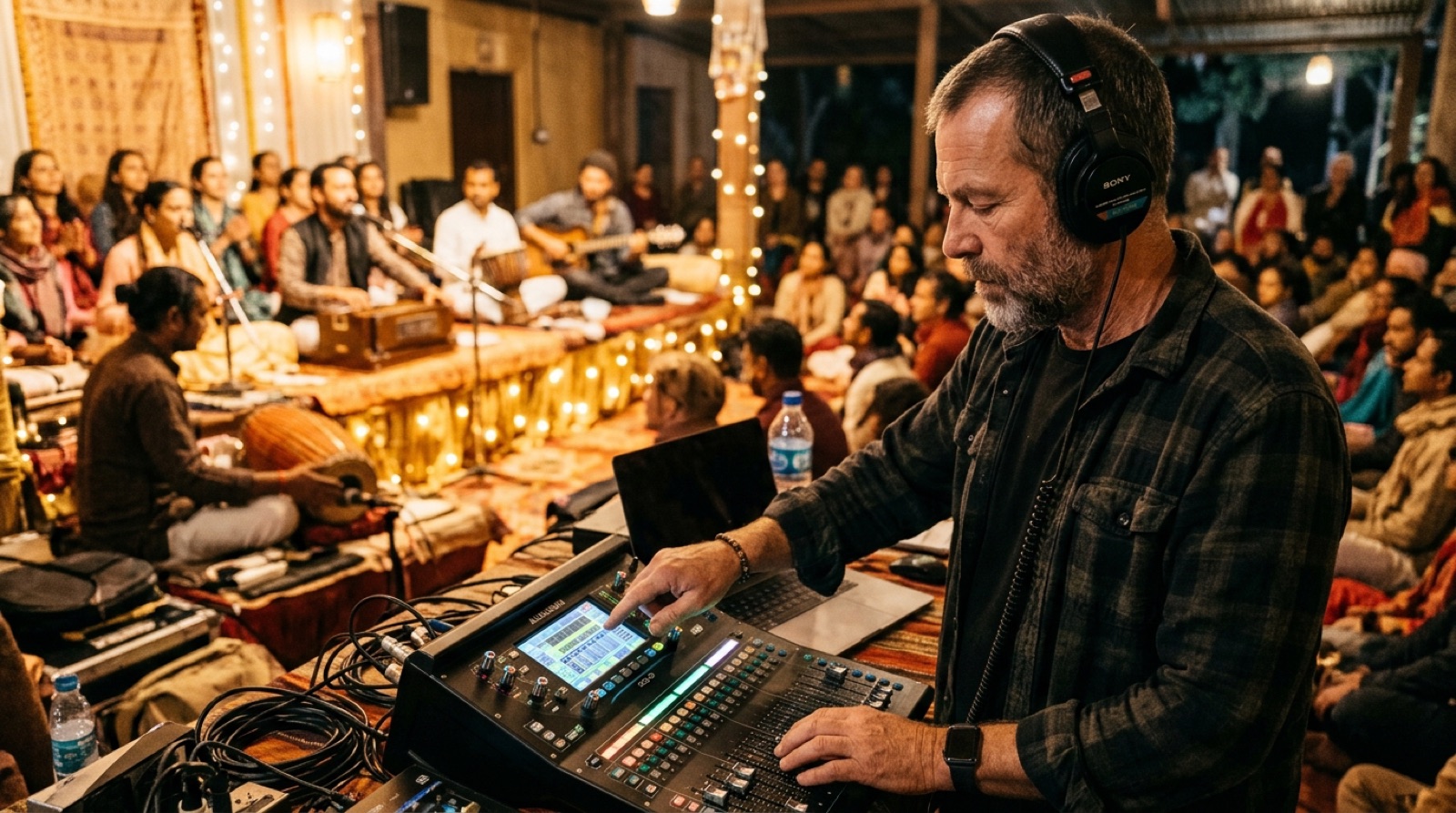
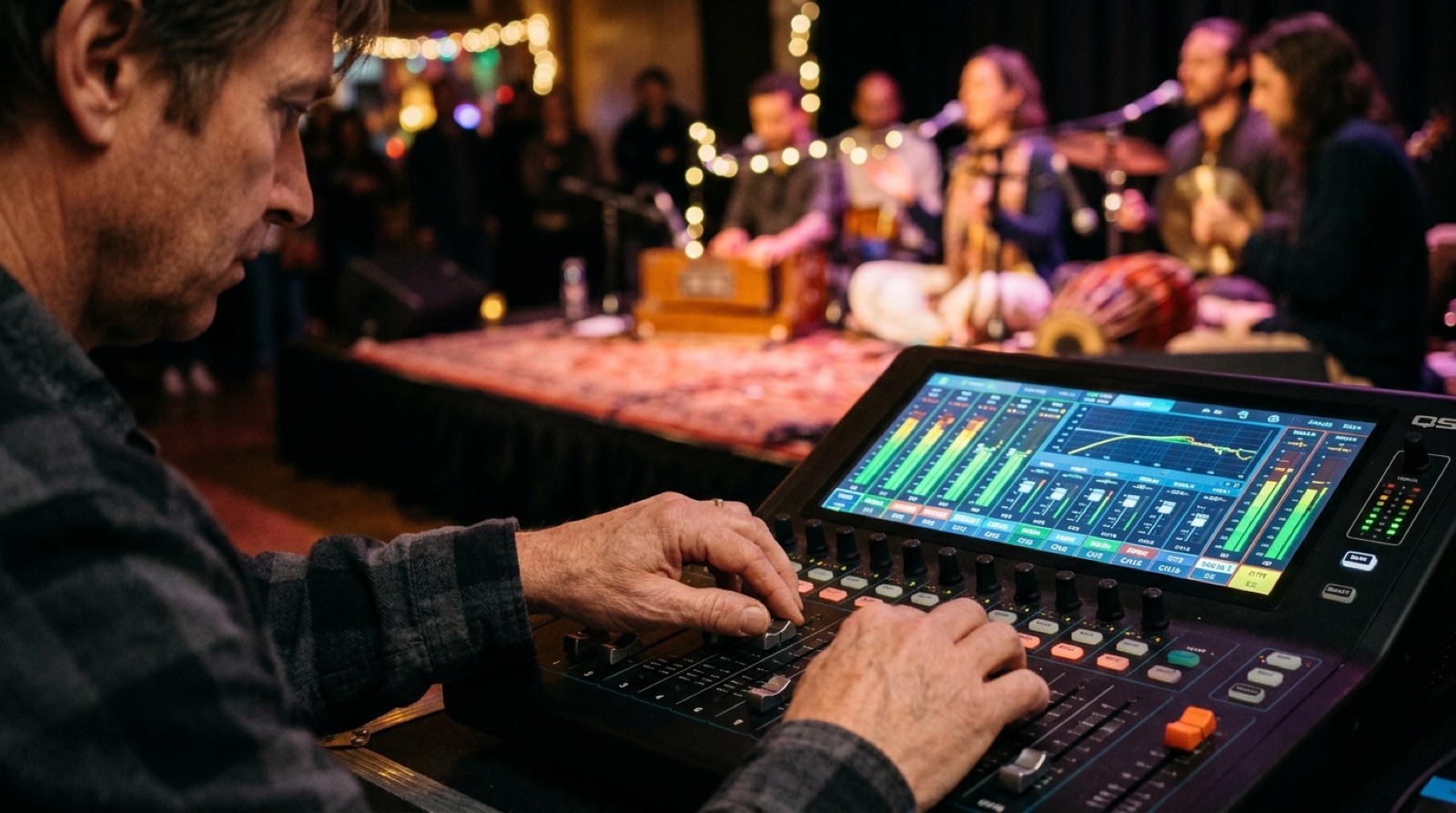
A sound engineer with headphones at a small digital mixer during a kirtan concert
Your mixinputs 1–10 → Main LR The venue's mixUSB channel, fader Off SD cardrecords Main LR: always your mix HeadphonesUSB Listen on: the venueUSB Listen off: your mix recording Listen key no Listen key
07 · Keeping it

One scene called Santoshi Mix

A scene on the CQ holds the names, the preamps, the processing, the sends and the effects. Scene 1, "Santoshi Mix", was stored before the levelling and overwritten on 23.10.2026 with the named percussion and its new presets.

After Marko's levelling: HOME › SCENES › Santoshi Mix › Overwrite. A whole Show (every scene and library) can go to a USB stick from HOME › DATA › Shows › Store New.

And if anything is ever lost, the Live set or the CQ's memory, every step and every value is written down in the project's repository, so the whole setup can be repeated from nothing.

Hands on the faders of a small mixer
08 · Learning it

The CQ MixPad Tutorial, with this concert as the lesson

Everything on this page is also taught by a small Mac app: eleven lessons, spoken aloud, with diagrams that light up as the voice speaks and a hand that points to the real controls in CQ MixPad and Ableton Live.

It is a Swift app that works offline: the voice is made beforehand, sentence by sentence, never streamed. Its clicks only change pages and banks; nothing in the mix is changed by it. The examples are the Santoshi settings above.

A desk with two screens, a mixer app on one and a lesson on the other
  1. 01One cable, two directions
  2. 02From the computer back to the mixer
  3. 03How everything is routed right now
  4. 04The USB preview while you record
  5. 05Preparing the concert in Live: names, markers, −12 dB
  6. 06Gain staging, the level before the mix
  7. 07Equaliser and the high pass filter
  8. 08The compressor on each channel
  9. 09Reverb on a send
  10. 10The glue compressor on the main
  11. 11Balancing the Santoshi mix: voices first, then rhythm, then colour
What is measured, what is chosen

Said plainly

MEASURED

The clip gains (typical peak of each file), the song starts (silences in the venue mix, confirmed by the words), the USB return channels (by the meters), the percussive share and pitch of each channel. The mridangam clipping is counted in the files: over a thousand 100 ms windows.

CHOSEN

The Quick presets, the reverb type and its −13.3 dB sends, the Main LR compressor's values. They are a starting point by ear and by experience. Values set by dragging in MixPad land near, not exactly, and were checked on screen.

MARKO'S

The faders, the balance, and the final recording to the SD card. The levelling is his, and so is the last word on every sound in this mix.

A singer at a microphone in warm light
A small digital mixer joined to a laptop by one USB cable